

Table of Contents
- Why Keeping Pet Tag Details Current Matters
- What to Put on Dog Tags (and What to Leave Off)
- Engraved vs Printed Pet Tags: Which Lasts Longer?
- How to Update Pet Tag Details: Step-by-Step
- Pet Registration Requirements Across States and Territories
- Cross-State Relocation and Lost Microchip Numbers
- Checklist for New Pet Owners and Common Mistakes
- Frequently Asked Questions
Last Updated: September 15, 2026
Why Keeping Pet Tag Details Current Matters
A pet tag is only as useful as the information stamped on it. If your dog slips out the front gate and the phone number on the tag is two years old, the person who finds them cannot reach you, outdated details turn a safety tool into decoration.
At Pet ID Tags Australia, we have spent more than 20 years engraving tags, and the most common mistake we see is not a worn tag but a perfectly readable one with the wrong details on it. Learning how to update pet tag details is a small habit that makes the difference between a pet coming home in an hour and a pet sitting in a pound overnight.

Below, we break down what belongs on a tag, how engraving compares with printing, and how to update your records when something changes.
What to Put on Dog Tags (and What to Leave Off)
The best dog tags carry four pieces of information: your pet's name, your mobile number, a second contact number, and your suburb or postcode. Anything beyond that costs space and adds little.
Essential Details Every Tag Needs
- Pet's name on the front, large enough to read at arm's length
- Your mobile number, since you answer that faster than a landline
- A backup number, such as a partner, parent, or neighbour
- Suburb and postcode, which helps a finder work out how far your pet has travelled without revealing your full address
Information to Avoid for Security Reasons
Your full street address, your pet's microchip number, and any medical detail a stranger could misuse should stay off the tag. A full address tells a stranger exactly where an unattended pet lives, so keep the tag simple and let the microchip database hold the detailed record.
Engraved vs Printed Pet Tags: Which Lasts Longer?
Engraved pet tags outlast printed ones by a wide margin, and the reason is mechanical: engraving cuts the characters into the metal itself, so there is no surface layer to peel. Printing applies ink or a coating on top, which wears away as the tag rubs against a collar, a kennel wall, or another tag.
Deep laser engraving, the method we use at Pet ID Tags Australia, goes further into the stainless steel than a light surface etch. A tag that fades is a tag you have to replace, and replacing it means re-checking every detail you had already set up, so choose engraving.

How to Update Pet Tag Details: Step-by-Step
Updating pet tag details means changing two separate records: your local council registration and your microchip database entry. Most owners update one and forget the other, which is why found pets sometimes go unclaimed even when they are chipped. The steps below cover both, plus the documentation you will need.
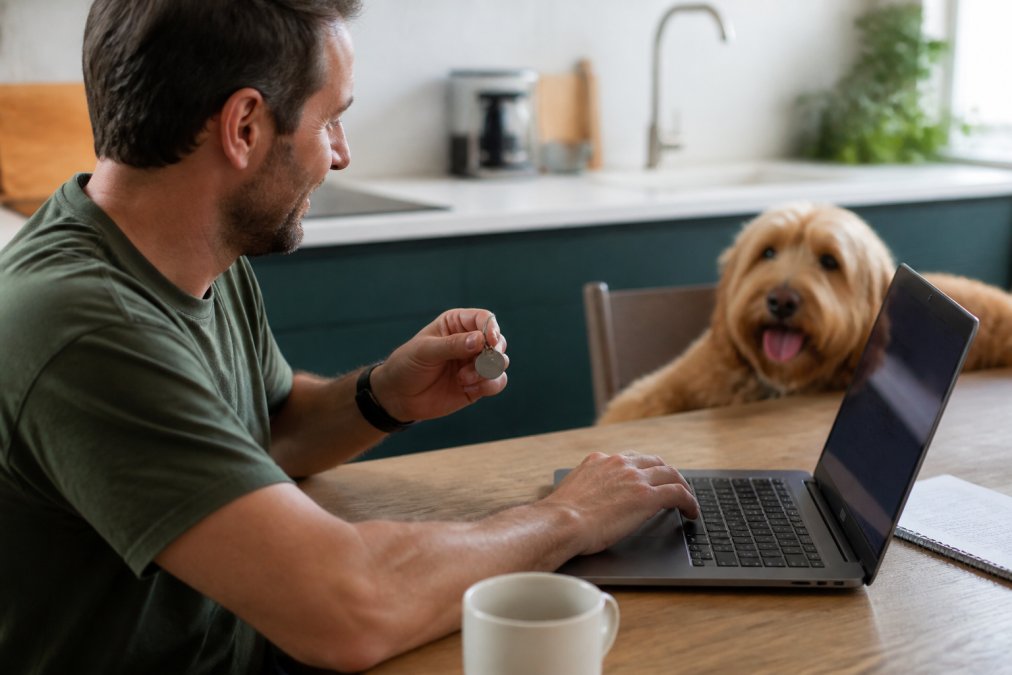
Before You Start: Gather These Details
Have these on hand before you open any portal, missing one is the usual reason a change gets abandoned halfway.
- Your council registration number or renewal notice
- Your pet's microchip number (15 digits, usually starting with 953 for animals implanted in this country)
- The name the record is currently held under, which may be a breeder, shelter, or previous owner, not you
- Proof of your current address, such as a rates notice, lease, or utility bill
- Your pet's desexing certificate or vet record if you are updating that status
Updating Council Registration and Contact Information
- Log in to your council's animal registration portal. If you have never set up an account, you will usually need your registration number and the email address the council holds for you.
- Open the pet records section and select the animal you need to change.
- Update your contact information, including phone number, email, and residential address.
- Confirm the desexing status and any other details the form lists; changing desexing status may require uploading a certificate.
- Submit the change and save the confirmation reference.
If your council does not offer an online account, phone the animal management team and ask them to note the change on your record. Ask for the reference number and keep it somewhere you can find it. Some councils accept changes by email, but always request written confirmation in case a renewal notice later arrives with the old details.
Managing Microchip Records and Owner Details
The hard part is not editing the record, it is finding which registry holds it. There is no single national database; several private registries operate, and a chip is only searchable on the one it was enrolled with.
Required Documentation for Common Changes
| Change | Council registration | Microchip record |
|---|---|---|
| New phone or email | Online update, no documents | Online update, no documents |
| New address | Proof of address may be requested | Online update, no documents |
| Desexing status | Vet certificate or statutory declaration | Not held on the chip record |
| Change of ownership | Transfer form signed by both parties | Transfer request, or statutory declaration if the seller is unreachable |
| Deceased pet | Notification to council to close the registration | Notification to registry to close the record |
Pet Registration Requirements Across States and Territories
| Record Type | Who Holds It | What You Update | When to Update |
|---|---|---|---|
| Council registration | Your local council | Address, phone, desexing status | Within days of any change |
| Microchip record | National animal database | Owner name, contact details | As soon as details change |
| Pet tag engraving | You, via your tag supplier | Name, phone, suburb | When contact details change |
| Change of ownership | Council and database | Both records, in full | At the point of transfer |
Cross-State Relocation and Lost Microchip Numbers
Moving Between States or Territories
Work through it in this order:
What Changes and What Does Not
| Record | Moves with you? | Action required |
|---|---|---|
| Council registration | No | Register with the new council, cancel the old |
| Microchip record | Yes | Update owner address and contact details on the existing record |
| Pet tag engraving | No | Replace the tag with the new suburb or postcode |
| Desexing status | Yes | Carried on the council record; confirm it transferred correctly |
Recovering a Lost Microchip Number
Checklist for New Pet Owners and Common Mistakes
Frequently Asked Questions
What information is legally required on a pet ID tag?
Requirements vary by state and territory, but most councils require a registered tag showing the council registration number. Separately, your pet's ID tag should carry your current phone number and ideally your suburb, so anyone who finds your pet can reach you quickly. Microchip details are stored on a national database and are not printed on the tag itself. Always check your local council's specific rules, as fines can apply for an unregistered pet.
What should I do if my pet's contact details change?
Update every record that holds your old details: your council registration portal, the microchip database your pet is listed on, and your pet's physical tag. Council and microchip updates are usually free or low-cost and can be done online. For the tag itself, deeply engraved stainless steel tags can't be edited, so you'll need a replacement. Ordering a new engraved tag with your updated number takes minutes and avoids the risk of a finder calling a disconnected line.
Is it better to engrave or print pet tag details?
Engraved details last far longer than printed ones. Printed or laminated tags often fade, peel, or rub off within months, especially on active dogs. Deep laser engraving cuts the text into the metal itself, so it stays readable for years. Stainless steel tags with deep engraving resist scratching and corrosion, which matters when a tag spends its life bouncing against a collar. If readability after years of wear is your priority, engraving wins.
How do I update details on a smart pet tag?
Smart tags typically link to an app or online account where you manage your pet's profile. Log in with your credentials, open your pet's record, and edit the contact information, address, or pet status. Changes usually sync to the tag's QR code or NFC profile within minutes. If you've lost your login credentials, use the account recovery option or contact the tag provider directly. Keep a note of which platform your smart tag uses so updates don't get missed.
Details change more often than most owners expect, and every change is a chance for a record to fall out of date. Pet ID Tags Australia has spent over 20 years engraving tags that stay legible, backed by a 30-day satisfaction guarantee and more than 100,000 happy pets. Our deeply engraved stainless steel tags start at $19.00, with fast shipping from our Adelaide workshop. Shop dog tags with Pet ID Tags Australia and give your pet identification that still works when it matters most.